Slim, Rugged, or Wallet Phone Case: Comparing Daily Tradeoffs
Compare phone-case layouts by grip, pocket fit, control access, magnetic accessories, charging compatibility, and realistic protection expectations.
This guide draws on published documentation and practical use cases, not hands-on testing. It contains no paid product placements or affiliate shopping links. How we work · Affiliate Disclosure
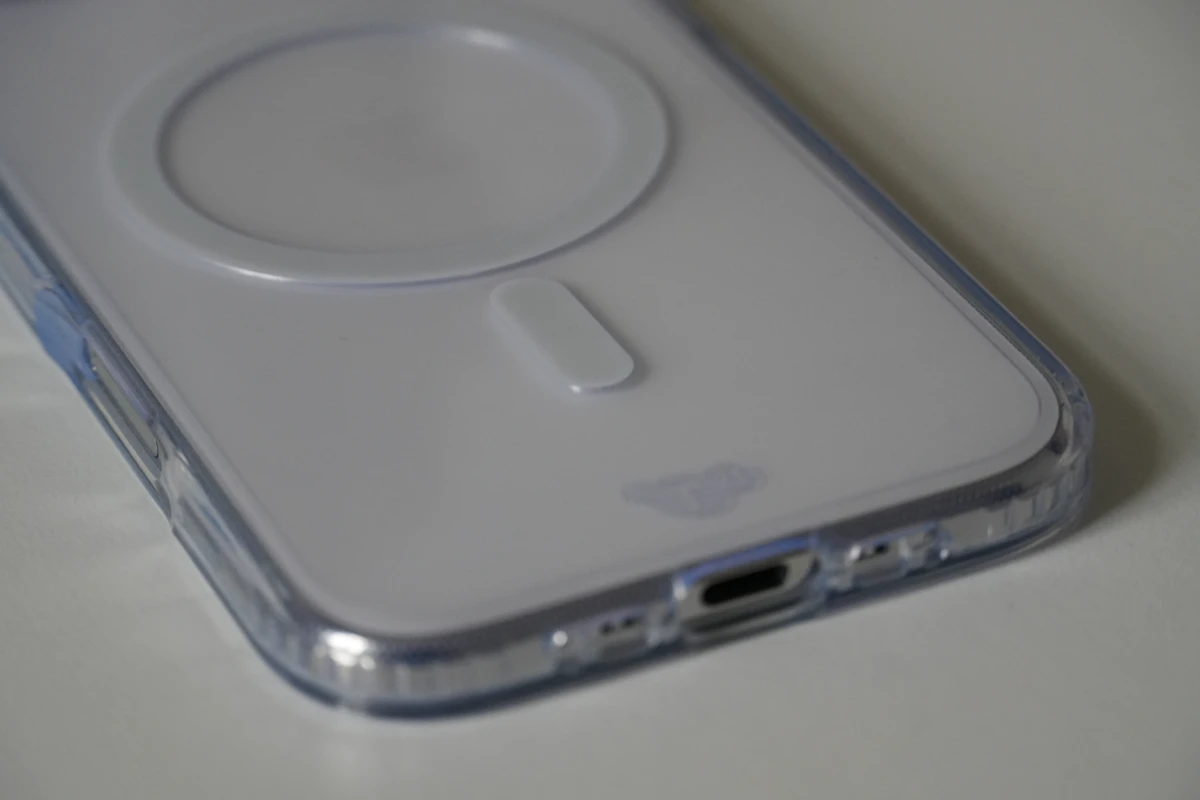
The useful case is the one that fits your exact phone and everyday accessories without making basic actions awkward.
In this guide
You take your phone out to pay, return it to a pocket, place it on a charger, then prop it up for a video call. A case participates in every one of those actions. Extra protection can be worthwhile, but extra bulk, awkward buttons, or a blocked charging connection can become a daily irritation.
This comparison treats cases as combinations of shape, material, and features. It does not award drop-test scores or assume that an unverified protection claim predicts what will happen in a particular fall.
Begin with exact fit, not material
A case must match the phone model, including the camera layout and controls. Similar screen sizes do not guarantee compatibility. Check the full model name in the phone’s settings before comparing case options, especially when several versions share a family name.
Inspect access to the charging port with the cable you actually use. A connector with a wide housing may not fit a narrow opening. Consider speakers, microphones, side controls, and any dedicated camera control. A case can fit around the phone while still making a frequently used feature inconvenient.
| Case type | Where it can make sense | Main compromise | What to inspect |
|---|---|---|---|
| Slim shell | Easy pocketing and a familiar phone size | Less material and coverage than bulkier designs | Corners, camera surround, and grip |
| Flexible grippy case | Frequent handling and one-handed use | May catch against some pocket fabrics | Surface feel and button response |
| Rugged multilayer case | Situations where bulk is acceptable | Added size and weight | Port access and documented test conditions |
| Wallet or folio case | Carrying a small set of essentials together | Flap, thickness, and charging friction | Card placement and closure |
| Case with integrated stand | Frequent video viewing on a table | More moving parts and rear protrusions | Stable angles and charger clearance |
Grip is a personal interaction
A surface that feels secure to one person may feel sticky to another. A smooth case can slide easily into a pocket but may be harder to hold with one hand. Texture, edge shape, and the phone’s overall width all contribute to handling.
If possible, try the complete phone-and-case combination. Practice reaching the controls, lifting the phone from a flat table, and using it with one hand. Avoid assessing grip solely by pressing a finger against an empty case in packaging.
Think about the other things in your hand. Someone frequently carrying a bag and opening doors may value easy handling differently from someone whose phone spends most of the day on a desk. There is no single grip texture that resolves every situation.
Magnetic compatibility is a separate feature
A case with magnets is not automatically a guarantee of a particular charging speed or accessory performance. Check the phone, case, charger, and accessory together. Alignment and supported charging technology are distinct from the mere presence of a magnetic ring.
Apple’s charging guidance also warns against placing cards, badges, passports, or key fobs between a phone and a MagSafe charger. A wallet case therefore needs a clear charging routine. Do not assume that leaving everything attached is appropriate simply because the charger sticks to the back.
If wireless charging is central to your setup, read our wireless-charging comparison. If a case will sit in a clamp, include its thickness when assessing phone tripods.
Read protection claims carefully
A raised edge may keep a camera surround or screen away from a flat surface, depending on the case and any installed protector. That does not establish protection against every impact angle or irregular surface. Ask what a published drop claim actually measured: the height, surface, number of drops, and tested configuration.
The word rugged is a description, not a universal performance standard. Without comparable testing, it is more honest to compare coverage, construction, fit, and the stated test method than to invent a numerical protection ranking.
Consider maintenance too. Remove the case according to its instructions and inspect for trapped debris, cracks, looseness, or damaged parts. A stand that no longer stays closed or an edge that no longer holds the phone securely is a practical reason to reassess the case.
Who should skip the extra features?
Skip a wallet format if it would make you remove the case every night to use your preferred charger. Skip an integrated stand if the angles do not suit the table where you watch videos. A simpler case plus an existing desk support may fit the routine better.
Keep a case that remains secure and comfortable. A new phone color or a fashionable finish is not a functional upgrade. Replace for a clear reason, such as damaged fit, inaccessible controls, or a genuine change in how you carry the device.
Frequently asked questions
Does a thick case guarantee better drop protection?
No. Construction, fit, impact conditions, and the test method matter. Thickness alone cannot predict a particular outcome.
Can the same case fit two similar phone models?
Only when the manufacturer explicitly lists both. Small differences in controls or cameras can make an otherwise close fit unsuitable.
Do I still need a screen protector?
That is a separate tradeoff involving surface feel, display appearance, and compatibility. Our screen-protector comparison explains the choices.
Sources
Apple’s MagSafe charging instructions document alignment, compatibility, and the need to keep certain wallet contents out of the charging path. Reference checked October 21, 2026.
Keep exploring

Active vs Passive Styluses: Choose for Notes, Drawing or Simple Taps
Understand screen compatibility, palm rejection, pressure support and replacement tips before choosing a stylus for your tablet.
Read the guide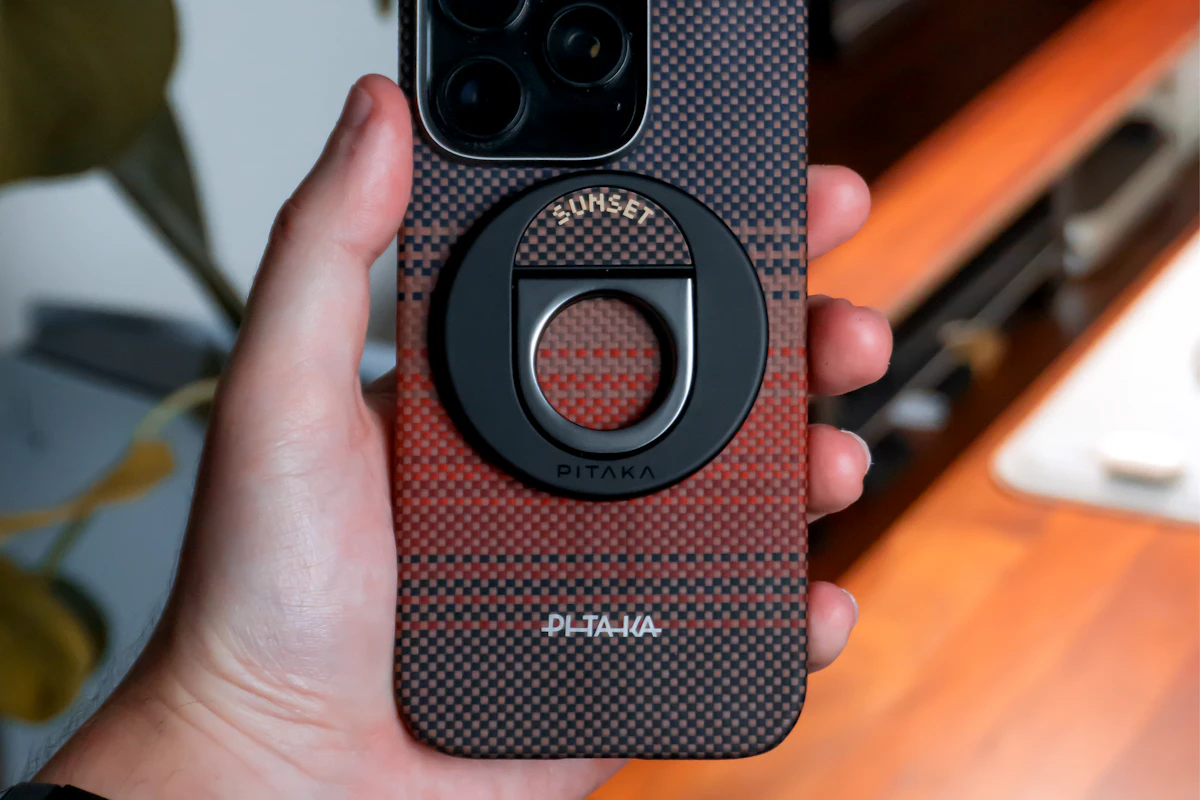
Phone Grips and Stands: Match Your Pocket, Desk and Charger
Compare adhesive grips, removable magnetic supports and separate stands for holding, viewing and charging a phone throughout the day.
Read the guide
Phone Storage, Photo Sync and Backup: Know What Each One Does
Separate phone capacity, cloud photo libraries, device backups and independent file copies before clearing space or replacing a phone.
Read the guide