Wireless Charging Compared: Flat Pads, Magnetic Stands, and Cables
A practical look at wireless charging formats, Qi certification, magnetic alignment, case compatibility, and the places where a cable still works better.
This guide draws on published documentation and practical use cases, not hands-on testing. It contains no paid product placements or affiliate shopping links. How we work · Affiliate Disclosure
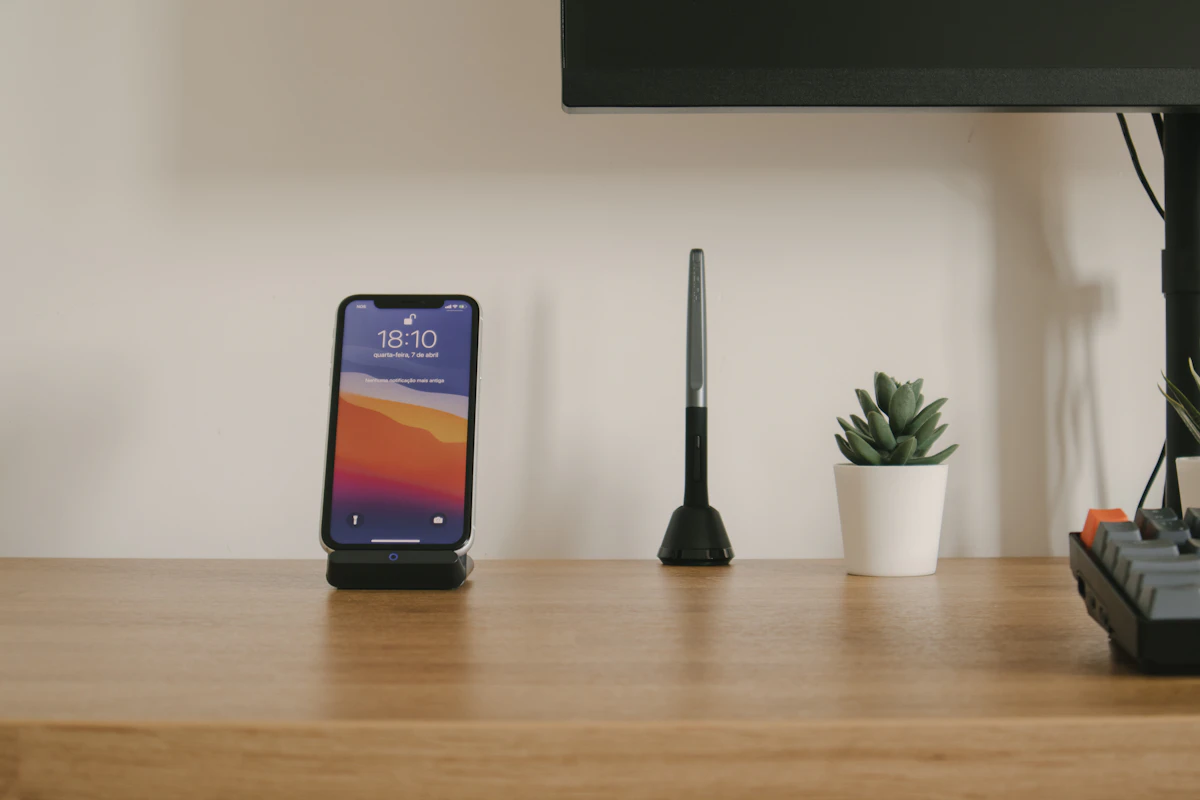
Wireless charging earns its place through convenient placement; confirm the phone, case, charger, and power adapter work together before chasing a wattage claim.
In this guide
At bedtime, placing a phone on a charger can be easier than finding a cable behind a nightstand. At a desk, an upright stand can keep the screen visible during a quick glance. But if the phone misses the charging area, or its case interferes, the convenience disappears by morning.
Wireless charging is best assessed as a routine rather than a replacement for every cable. Our verdict is that a compatible stand suits a regular desk or bedside location, while wired charging remains the straightforward choice for travel, active phone use, and troubleshooting.
Start with compatibility, then choose the shape
A magnetic ring and a charging standard are not the same thing. A phone may attach to an accessory without supporting its maximum wireless charging rate. A case can improve positioning for a supported combination, but adding magnets does not universally upgrade a phone’s charging electronics.
The Wireless Power Consortium maintains Qi certification information and a product database. Checking certification is more useful than treating “compatible with” wording as equivalent to certification. Even then, the actual rate depends on the supported phone and charger combination, the power source, and operating conditions.
Qi2’s magnetic alignment addresses placement, but the family includes different capabilities and supported combinations. Read the exact phone requirements instead of assuming every accessory carrying similar wording performs identically. Google’s support guidance illustrates why model-specific compatibility and coil placement matter.
Compare the everyday formats
| Charging arrangement | Where it makes sense | What to check |
|---|---|---|
| Flat pad | A fixed overnight resting place | Alignment, case compatibility, and indicator visibility |
| Upright stand | Desk glances and bedside viewing | Portrait/landscape support and the phone’s position |
| Magnetic puck or stand | Repeatable positioning with a compatible phone | Certified combination, attachment strength, and case fit |
| Wired cable | Travel, quick setup, or using the phone while charging | Suitable adapter and cable capabilities |
A stand’s usability can matter more than a higher nominal wattage. If it requires two hands to detach the phone, it may be inconvenient on a light bedside table. If a pad’s indicator is bright, its otherwise tidy appearance will not help in a dark bedroom.
Remember that wireless chargers still need power
The pad or stand usually needs a cable and wall adapter. Check what is included and what power input is required. A charging accessory with a promising output specification may not reach that output from an old adapter already in your drawer.
This is especially relevant to stations with several charging positions. The phone pad, earbud area, and watch charger may have different compatibility requirements. A watch-shaped charging surface is not proof that it supports your watch. Verify each device independently and check the total power input.
For a shared household, separate simple chargers may be more flexible than one large station. A combined station saves visible cables, but its usefulness can decline when one person changes device families or moves a charger to another room.
Cases, heat, and the way you use the phone
Check the manufacturer’s case guidance. Thick cases, attached wallets, grips, or metal accessories can interfere with placement or charging. Remove incompatible accessories rather than trying to compensate with a more powerful adapter.
Charging behavior can change with temperature. A phone running navigation or a demanding app while charging may behave differently from an idle phone on a cool desk. Do not interpret every slowdown as evidence that a charger is defective; consult the device’s charging status and support guidance.
For a long video call, a stand offers a convenient viewing angle, but charging compatibility and useful camera position are separate questions. For reading in bed while holding the phone, a flexible cable may be more comfortable than a rigidly attached puck. The best choice follows the action you repeat.
Who should skip wireless charging?
Skip it if your current cable is convenient and your phone rarely leaves your hand while plugged in. There is little value in adding a stand that does not fit your case or your available surface.
It may also be a poor first upgrade for someone trying to stretch a portable battery through a long day. Begin with a compatible wired connection and choose wireless convenience only when the tradeoff is acceptable. Our power bank comparison explains why stored capacity does not translate directly into delivered energy.
If your priority is a compact charging kit, a single USB-C charger and a suitable cable may cover more devices with fewer compatibility questions.
Frequently asked questions
Will a magnetic case add wireless charging to any phone?
No. The phone needs the appropriate charging hardware and supported configuration. Magnets alone cannot provide those capabilities.
Does a higher-rated pad always charge faster?
No. The phone must support the relevant charging mode, and the adapter and cable must meet the charger’s input requirements.
Can one station charge every watch and earbud case?
Do not assume so. Check the exact supported devices for each position, including whether the earbud case itself supports wireless charging.
Sources and scope
Technical references checked October 21, 2026: Wireless Power Consortium standards and certification and Google’s phone-charging compatibility guidance. Recommendations describe practical fit; they are not measured speed or temperature results.
Keep exploring
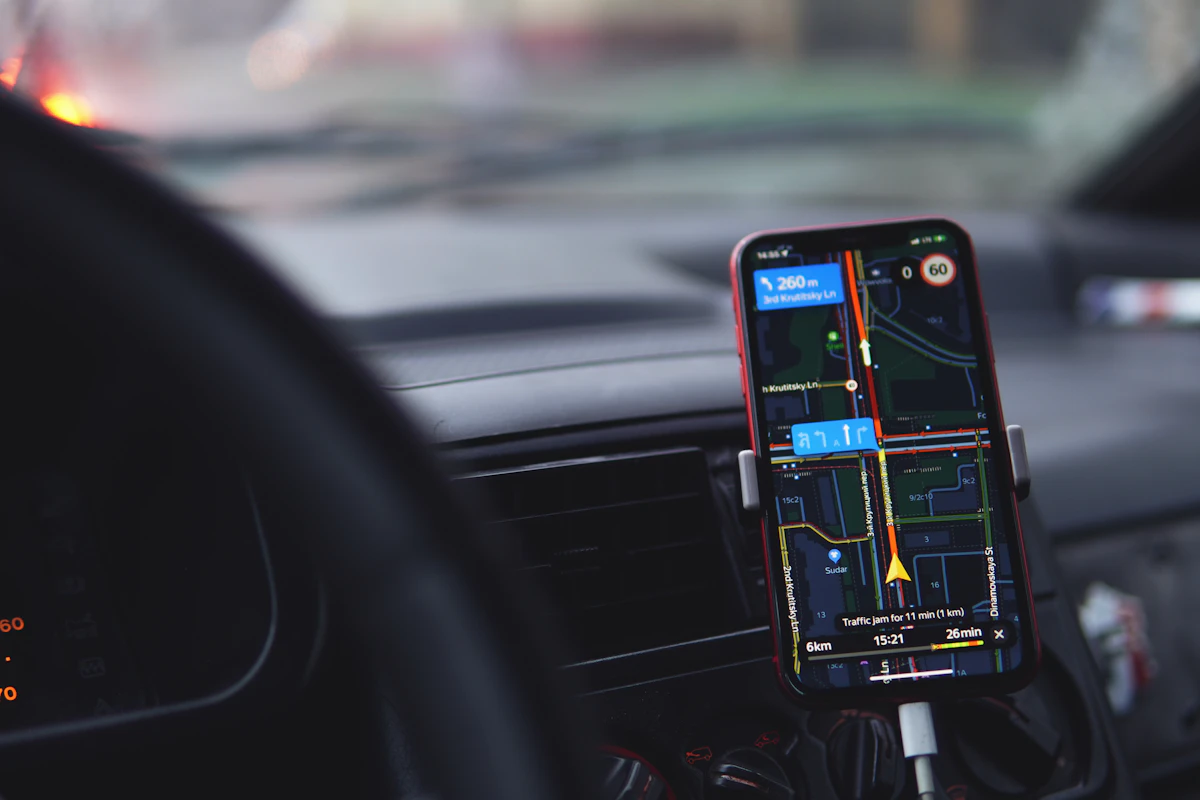
Car USB Chargers: Build a Charging Setup That Fits the Journey
Compare built-in vehicle ports, socket chargers, and passenger charging layouts by power, infotainment compatibility, cable routing, and everyday convenience.
Read the guide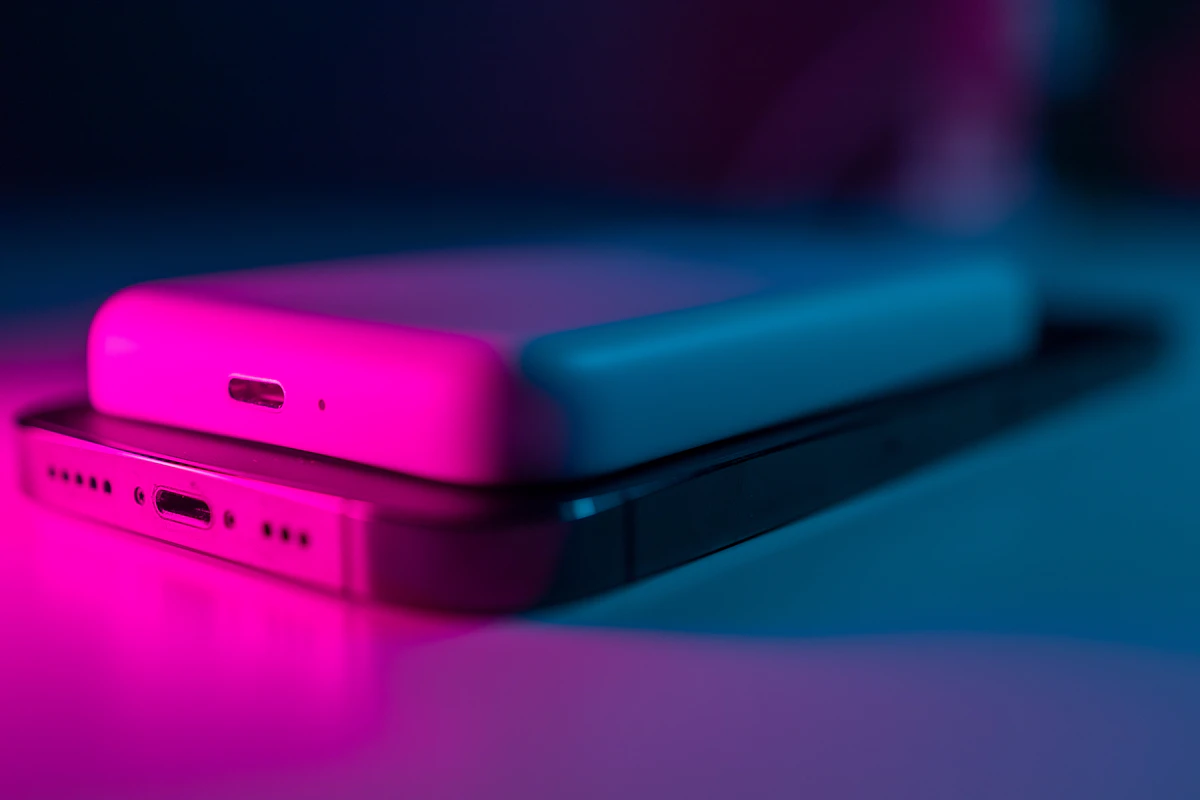
Magnetic Power Banks: When the Snap-On Convenience Is Worth It
Assess magnetic power banks by phone and case compatibility, physical fit, usable energy, wired options, and the realities of carrying a thicker phone.
Read the guide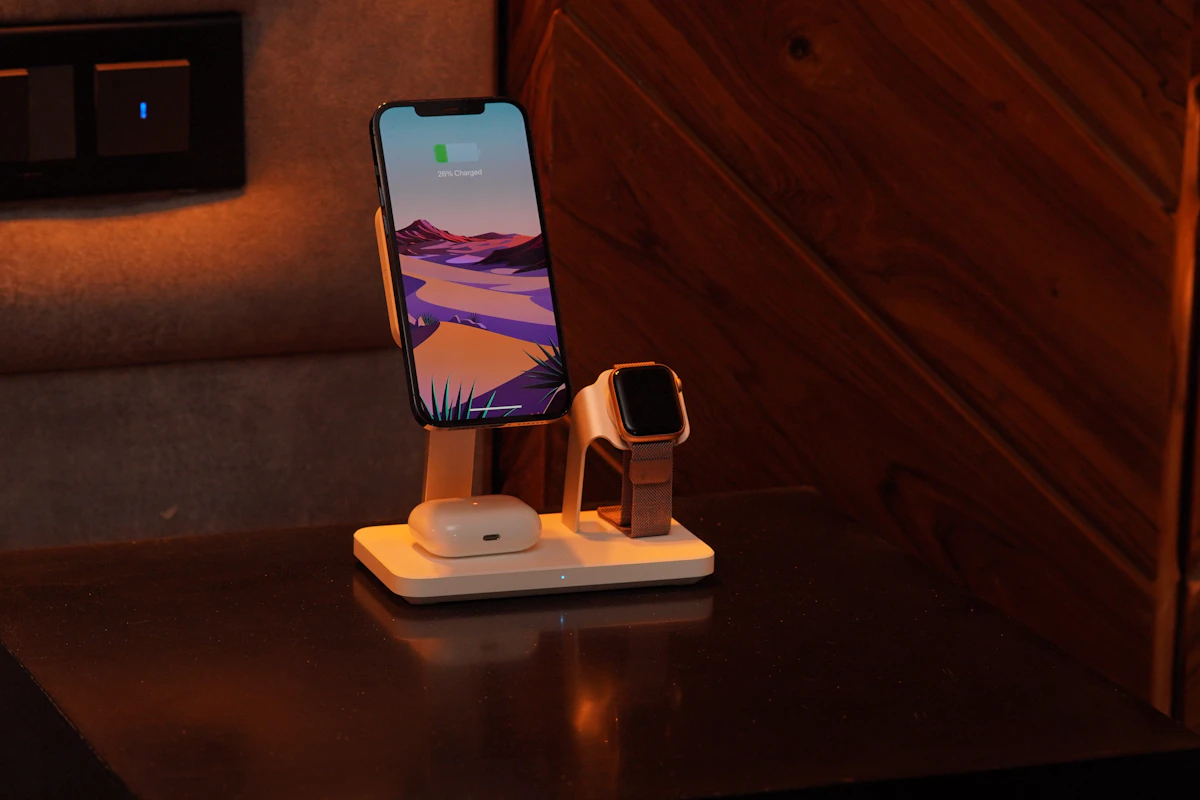
Multi-Device Charging Stations: One Stand or Separate Chargers?
Compare combined phone, watch, and earbud charging stations with separate chargers, including compatibility, daily schedules, portability, and replacement flexibility.
Read the guide